Unrestricted AI Video Extender Free Online
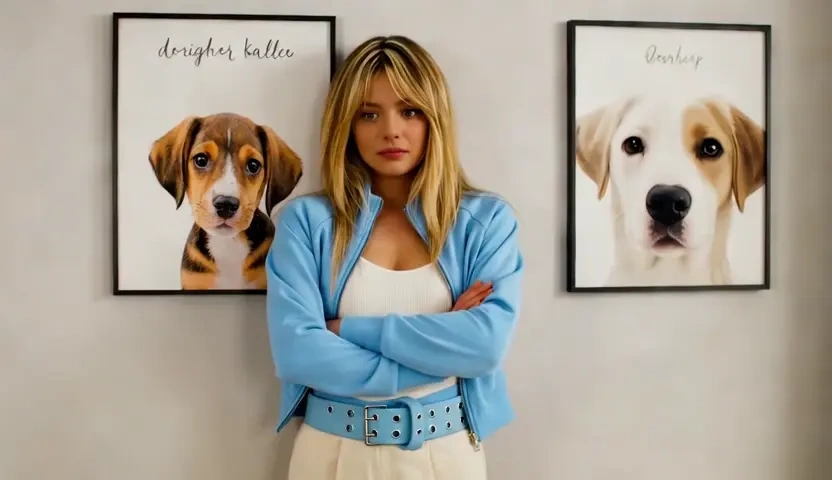
Upload footage that ends too soon or sits in the wrong shape and Kivoai keeps it going past the last frame or builds picture beyond its edges. Motion, grain, and lighting carry across the join, so the added seconds belong to the original take rather than looking bolted on. Free to start when you need to extend video with AI instead of returning to the shoot.
What is Kivoai's AI Video Extender?

Kivoai's AI video extender takes a clip you already have and grows it along two axes. Along time, the AI video length extender reads the closing frames and continues the action, using last-frame handoff and motion vector carry-over so a pan keeps its speed and a subject keeps its shape instead of restarting as a new shot. Along the frame, edge fill paints plausible picture above, below, or beside the original plate, which is how a horizontal take becomes a vertical upload without cropping the subject out. Nothing here is invented from a blank canvas or woken from a still photograph; the source footage stays the reference for every added second and every added pixel. Try it free and compare the extension against your original before downloading.
How Does Kivoai's AI Video Extender Work?
Step 1: Upload the Clip You Want to Grow
Bring in an MP4 or MOV from a camera, a screen recording, or an earlier AI render. A clean tail with steady motion gives the model more to continue from than a shot that ends mid-cut.
Step 2: Choose Duration or Frame and How Far to Go
Decide whether to add seconds at the end, hold a moment before the start, or extend the picture outward to a new aspect ratio. Shorter, more conservative settings keep the extension closest to your footage.
Step 3: Generate, Compare and Download
Render, then play the result across the join and watch the seam rather than the whole clip. If motion slips, trim the request and extend again in smaller steps. Free to start while you test the first passes.
What You Can Do with Kivoai's AI Video Extender?

Hold a Shot That Ends Before the Edit Does
An edit falls apart when the best take runs out two seconds before the music resolves. Upload that shot and the AI video duration extender continues it from the final frame, carrying motion, grain, and color across the splice so the join does not announce itself. Editors use it to land a beat, cover a dissolve, or rescue a take that nobody can reshoot.
Turn Landscape Footage into a Vertical Cut
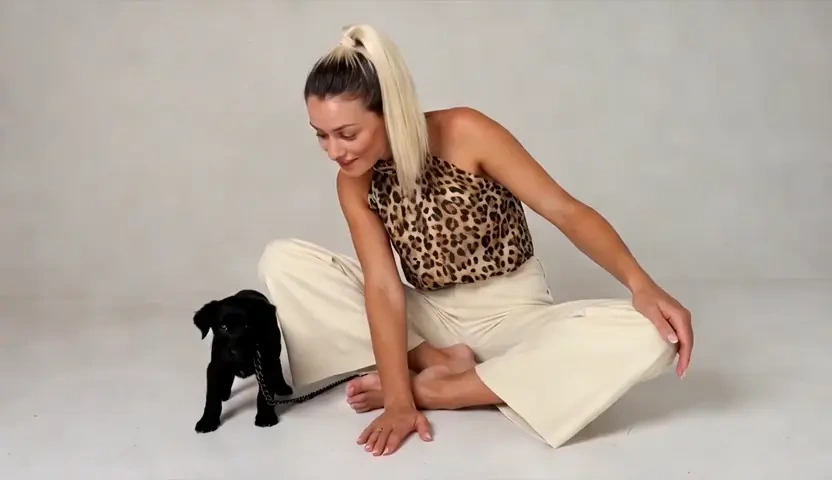
Wide footage rarely survives a vertical feed, and cropping pushes heads, hands, and product labels straight out of frame. Extend the picture instead: camera-aware edge fill builds believable ceiling, floor, and surroundings above and below the original plate, matched to its lighting and lens. One interview or product take then serves both a widescreen cut and a nine-by-sixteen upload.
Stretch a Reaction Clip for the Punchline
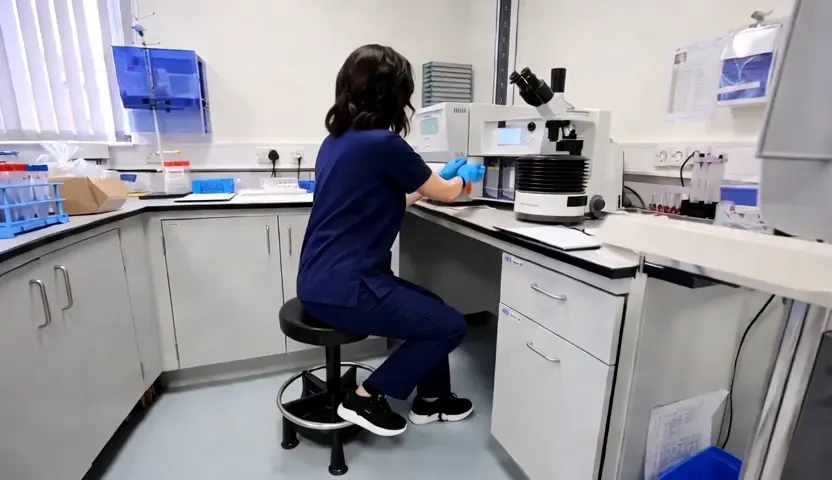
A reaction is funny for exactly as long as it plays, and most clips stop one beat too early. Extend the tail so the same expression rides a little longer, then let loop point smoothing clean the return so autoplay does not stutter. Anyone chasing an AI video extender meme edit is really after this: a moment held long enough to land.
Push a Generated Scene Past Its Render Limit
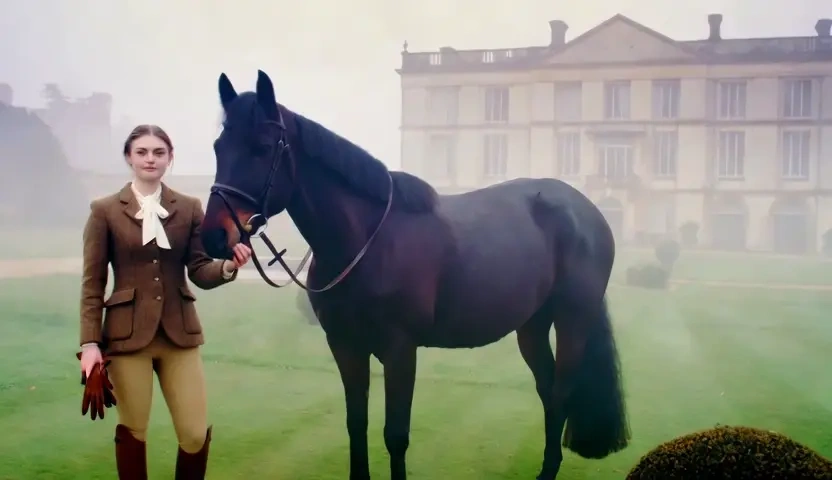
Most generators cap a render at a handful of seconds, which is why AI scenes so often end mid-gesture. Feed that clip back in and extend it, matching the palette and camera behaviour already in the shot so the continuation reads as the same take rather than a fresh render. Chain a few passes and a short experiment becomes a sequence you can genuinely cut with.
Who is Kivoai's AI Video Extender for?

Video Editors and Post Teams
The shot is right and it is simply too short. Extending duration inside the browser saves a pickup day and keeps the cut you already sold to the client.

Short-Form Editors and Podcast Clippers
One recording has to become a widescreen episode and a wall of vertical clips. An AI video background extender rebuilds the missing headroom so the same footage fits every feed without brutal cropping.

AI Filmmakers and Motion Designers
Generated shots stop just as they get interesting. Extend AI video output pass by pass, keeping the same motion and grade, and short renders start behaving like real coverage. Free to start while you test how far a scene can run.
Why Choose Kivoai's AI Video Extender?
The Join Is the Whole Product
An extension is only worth using if nobody can find where it starts. Kivoai matches motion speed, grain, and color temperature at the handoff, so the added seconds inherit the look of your camera instead of arriving cleaner and brighter than the plate. That single frame is where cheaper tools give themselves away.
Longer and Wider from the Same Upload
Time and frame are handled in one place, so a clip that is both too short and the wrong shape does not need two different tools. Extend the duration for the edit, then extend the frame for the platform, working from the original footage each time rather than from a re-encoded intermediate.
No Reshoot, No Desktop Suite
Everything runs in the browser on footage you already own, which matters when the location is gone and the talent has moved on. Uploads are processed for your session rather than posted to a public gallery, and you can preview before downloading. Free to start, for material you have the rights to use.