
Text to Video Generator Free Online
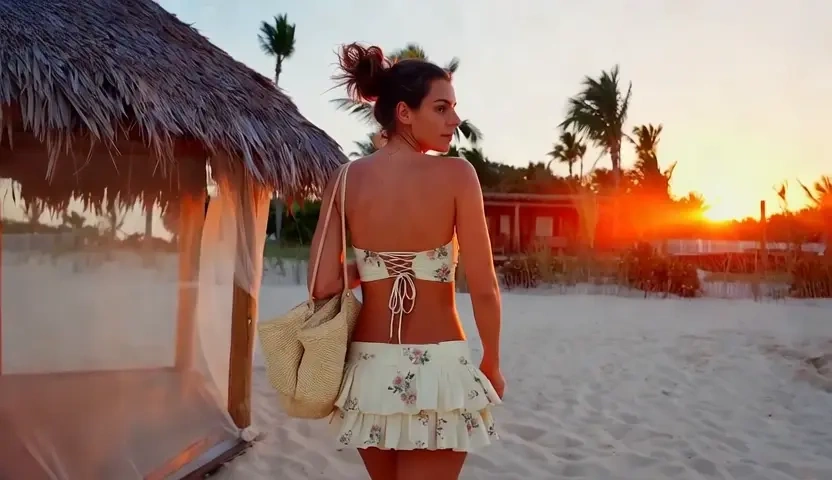
Describe the product, the room and the move you want, and Kivoai renders a timed clip instead of a still. Identity, light, and camera path stay locked to the sentence so the output can leave the canvas as video. Free to start when you need a text to video AI workflow without a crew or a timeline suite.
What is Kivoai's Text to Video Generator?
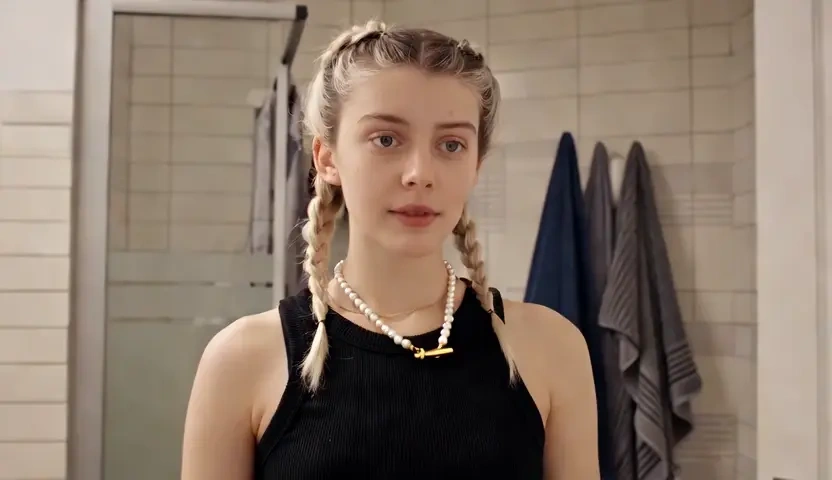
Kivoai's text to video generator is an AI video generator from text: you write the scene, and the system returns a moving clip rather than a poster. This page is not an image-to-video tool that warms up a photograph, and it is not an editor for stamping titles onto footage you already have. The input is a prompt or short shot list; the output is video from text. The model maps subject, setting, and written lens language onto a timeline, then holds shot-level identity lock so a product does not drift between frames. Teams convert text to video when the brief is ready and the plate does not exist yet. Try it free, scrub the preview, and rewrite one sentence until the motion matches.
How Does Kivoai's Text to Video Generator Work?
Step 1: Write the Scene Prompt
Open the generator and describe what should happen on the timeline: subject, place, light, and one clear action. A short paragraph is enough to create video from text; a shot list helps when you need tighter control.
Step 2: Set Style, Duration and Aspect Ratio
Choose cinematic, social, or explainer pacing, then lock duration and frame. This is where the text to video AI reads camera verbs, rather than treating your copy as a lower-third.
Step 3: Generate, Preview and Download
Render the clip, scrub the preview, and download when identity and lighting hold. If one beat slips, revise that sentence and run again. Free to start while you test the first scenes.
What You Can Do with Kivoai's Text to Video Generator?
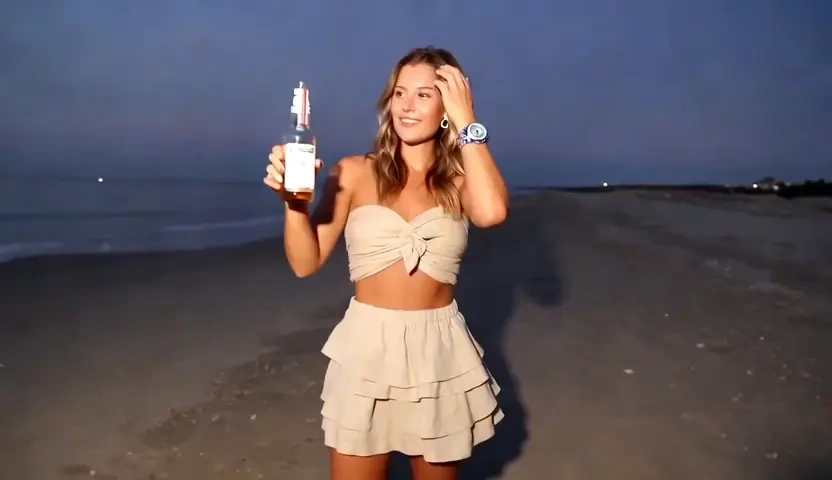
Turn Catalog Copy into a Product Film
A merchandiser often has a feature list and a hero claim weeks before a studio day. Paste that copy and let Kivoai generate video from text, placing the SKU in a believable setting with one clean camera move. Shot-level identity lock keeps the pack, bottle, or device from melting between frames, so the cut can run as a product film rather than a flickering collage. You leave with motion you can crop for a PDP or a paid placement.
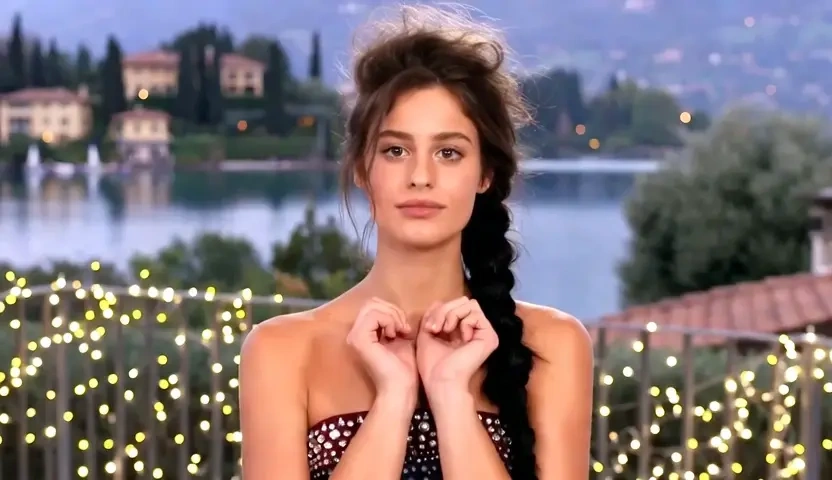
Convert Listing Copy into a Walkthrough
Travel and property teams already write the listing: rooms, light, the walk from door to view. Use the text to video converter to turn that copy into a cinematic walkthrough when the location is not available to film. Beat-accurate pacing follows the order of rooms or landmarks instead of jumping at random. The result is a preview film for a destination page or a listing hero, not a slideshow of stills.

Animate a Verse or Brand Manifesto
Composers and brand writers can feed a verse or a manifesto paragraph and receive a text to animated video result whose weather, wardrobe, and motion are inferred from the verbs. Kivoai does not stamp lyrics onto a stock loop; it builds composition from the setting the language already named. That is a practical way to create animated video from text for a teaser, a poem, or a campaign mood piece that has to exist before illustration is finished.
Previsualize a Pitch from a One-Pager
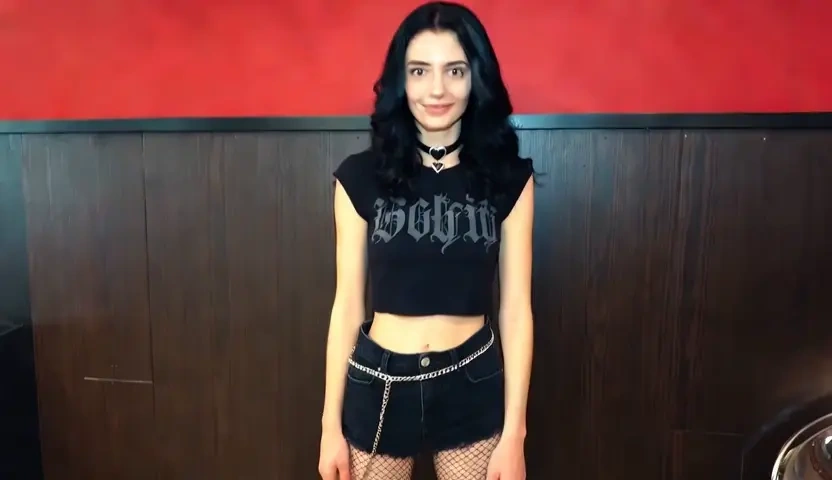
Founders and sales leads usually write the one-pager first: the problem, the product in use, the close. Kivoai can create AI video from text so a first cut exists before anyone books a crew. Style lock holds color and lens language across beats, which matters when the same clip will sit in a deck and a landing hero. Preview privately, then download the version you are willing to share.
Who is Kivoai's Text to Video Generator for?
DTC Brand Teams and E-commerce Merchandisers
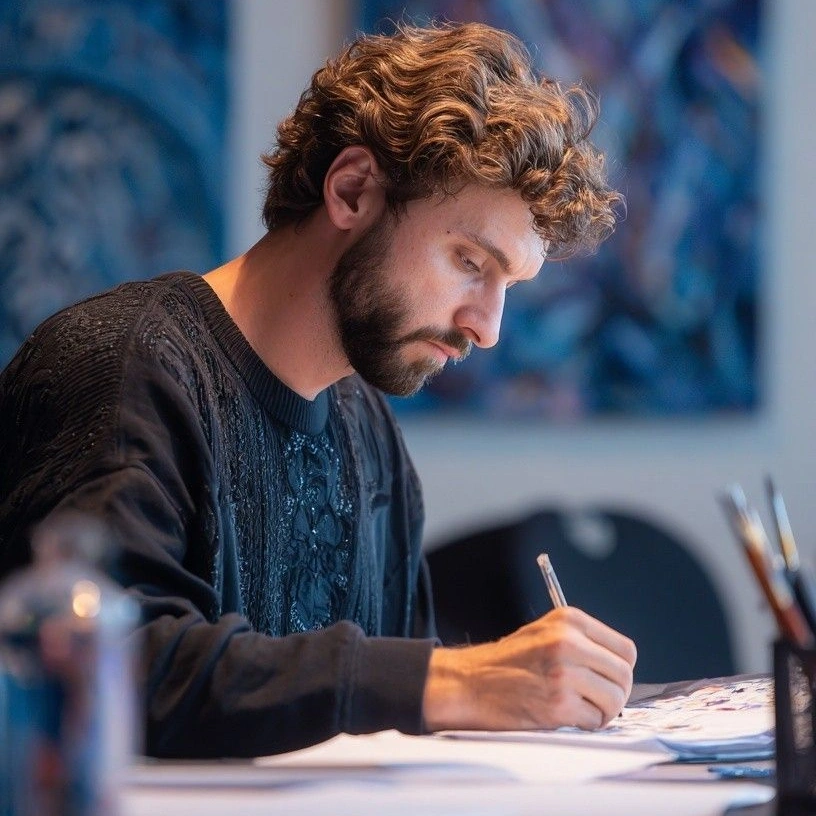
If the catalog is written and the studio day is not booked, an AI video maker from text can ship a first product film from the feature list. You keep control of the claim while Kivoai handles the plate for a PDP, a Reel, or a paid cut.

Travel, Property and Location Storytellers
Listing copy already names the rooms, the light, and the walk. A text to AI video generator turns that writing into a walkthrough when you cannot get a camera on site.

Directors, Composers and Independent Filmmakers
You can make a video with text in the browser, keep drafts off a public gallery, and iterate until the scene matches the pitch. Free to start when you are testing a teaser, a verse film, or a concept previz.
Why Choose Kivoai's Text to Video Generator?
Shot-Level Identity Lock, Not Random B-Roll
Kivoai treats the sentence as direction: subject, verb, and setting become shots instead of decorative stock. Shot-level identity lock reduces flicker so a product or room remains the same object across the clip. That is the difference between a usable cut and a collage that still needs a reshoot.
Written Lens Language and Platform Framing
Pan, push-in, and hold can live in the prompt, which is why this works as a text to video AI generator rather than a caption stamper. You stay in language; the model handles the timeline. Style lock then keeps lens and color from drifting when you iterate one beat at a time.
Private Browser Workflow, Free to Start
Prompts and renders stay in your session rather than a public feed. Try it free, preview before you download, and keep early experiments off shared galleries. The workflow is built for original scenes you direct, not celebrity lookalikes or copyrighted characters.