Image to Video Generator Free Online
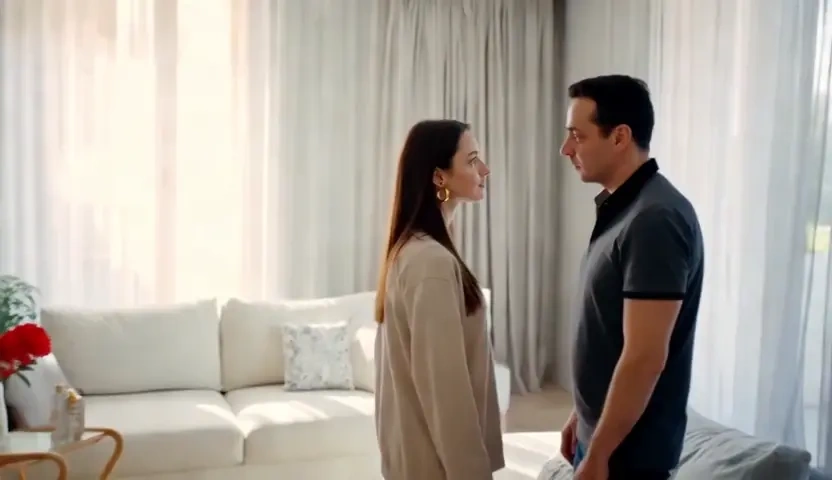
Upload a product shot, a portrait or a piece of artwork, and Kivoai gives it a camera instead of a filter. Depth, color and the subject you photographed carry into every frame, so the clip still looks like the original image after it starts moving. Free to start when you need AI photo to video without booking a second shoot.
What is Kivoai's Image to Video Generator?
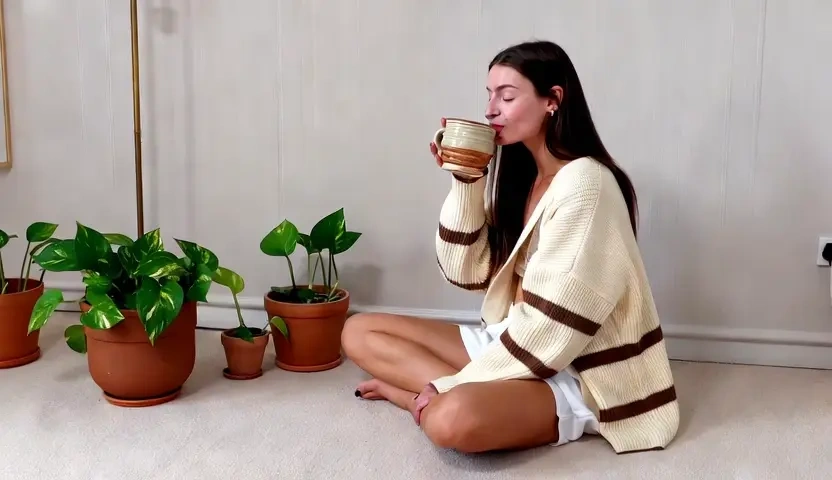
Kivoai's image to video generator is an AI video generator from image: you upload one still, describe or select the motion, and the model renders a clip built on that exact frame. It is not a file utility that rewraps a picture into another container, and it is not the text to video page where the picture has to be imagined from scratch. Here the source photograph is the ground truth, so source-frame fidelity holds the label, the face, and the light you already captured while edge-aware depth parallax separates foreground from background instead of scaling the whole image. Creators use it as an image to video converter when the shot exists but the movement never did. Try it free, preview the motion, then adjust and render again.
How Does Kivoai's Image to Video Generator Work?
Step 1: Upload the Source Image
Drop in a JPG, PNG, or WebP still from a camera, a phone, or an AI render. A sharp, well-lit frame gives the generator more depth information to work with than a heavily compressed thumbnail.
Step 2: Direct the Motion and Frame
Write what should move, then choose the camera behaviour, duration, and aspect ratio. This is where the picture to video AI decides between an orbit, a push-in, and a subtle drift, rather than applying one generic zoom to every upload.
Step 3: Generate, Preview and Download
Render the clip, scrub it against the original still, and download when the subject holds. If an edge softens, reduce the motion range and run that version again. Free to start while you test the first animations.
What You Can Do with Kivoai's Image to Video Generator?
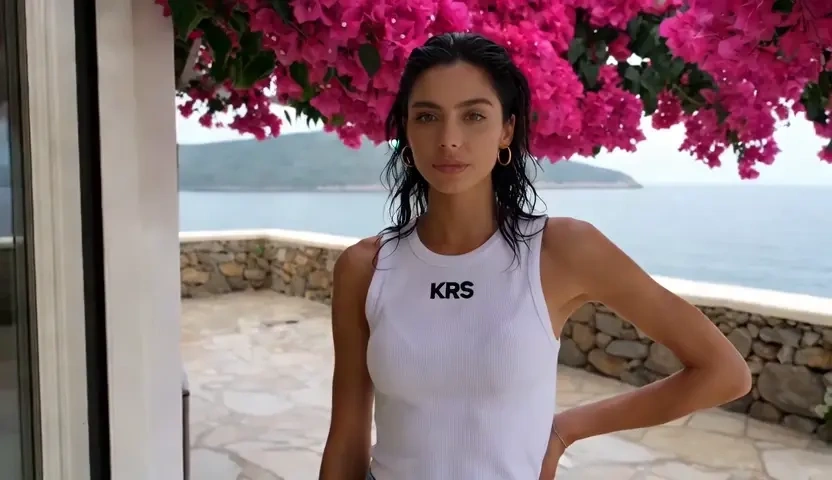
Spin a Product Still into a Shoppable Clip
Marketplace sellers usually own one clean pack shot and no footage at all. Upload that still and the AI image to video engine wraps a slow orbit or a breathing push-in around it, while source-frame fidelity keeps the label, logo, and material exactly as photographed. What you get back is a listing clip or a paid-social test built from the photograph you already paid a studio to shoot.
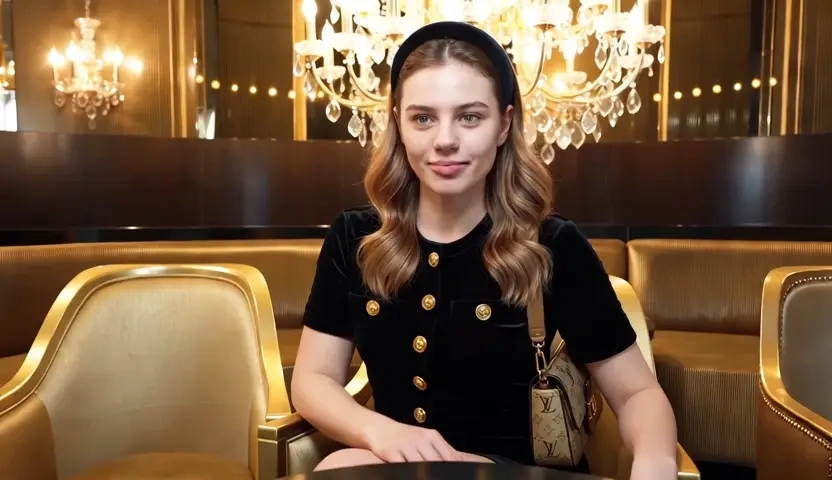
Bring a Portrait or Lookbook Frame to Life
Photographers deliver galleries of stills that stop the moment a client keeps scrolling. Animate image to video and Kivoai reads depth before it moves, so hair, fabric, and background separate instead of warping as a single flat layer. Subject anchoring holds the pose and expression that were approved in the still, which makes the moving version safe to send to the same client and to a brand feed.
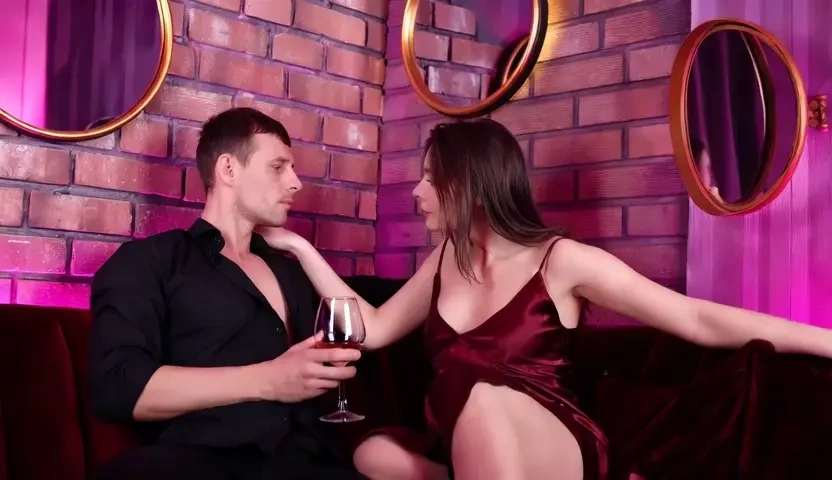
Turn a Photo Set into a Sequence for Music
Recaps, anniversaries, and travel folders normally sit as a stack of pictures nobody replays. Animate each frame in the picture to video converter, then place the clips in narrative order so turning photos into video produces continuous movement rather than a slideshow of hard cuts; music and titles are laid over the sequence afterwards in your editor. Grain and color carry over per shot, so the set still feels filmed by one camera.
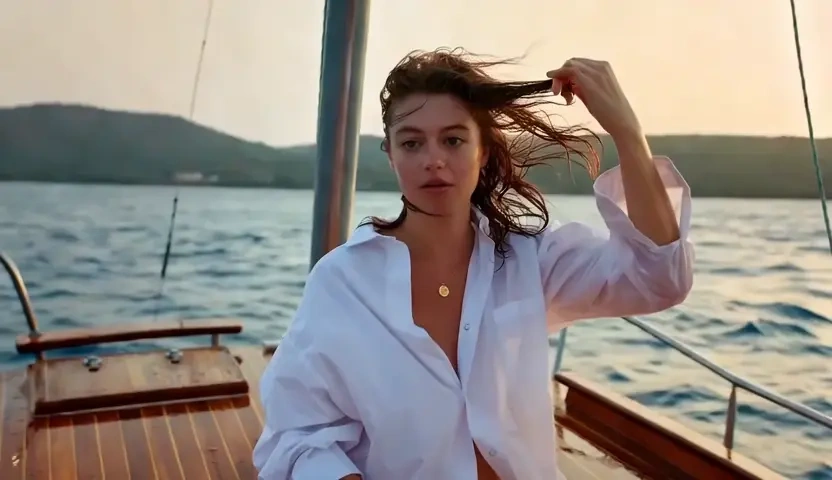
Animate Illustration, Poster Art and Old Prints
Designers and family archivists share one problem: the image exists, the motion never did. Kivoai can open depth inside a poster, a concept painting, or a scanned print through edge-aware parallax, moving a picture that was never filmed. Style carry-over protects line work, paper texture, and period grain, so a free AI animation of a picture still reads as the artwork rather than a smeared repaint of it.
Who is Kivoai's Image to Video Generator for?
Product Photographers and Marketplace Sellers
Your catalog is already shot, and every channel now asks for motion. An AI video from photo workflow turns approved stills into listing clips without reshooting the same bottle, garment, or device.
Portrait, Wedding and Event Photographers
Clients scroll past galleries but stop for movement. Use an image to video AI generator to hand back a short animated highlight alongside the retouched frames, without renting a second day of coverage.
Illustrators, Designers and Personal Archivists
You can make a video out of pictures in the browser, keep drafts off a public gallery, and iterate until the motion respects the original artwork. Free to start when you are animating a poster, a cover, or a family print.
Why Choose Kivoai's Image to Video Generator?
The Source Frame Stays the Source of Truth
Your upload is treated as evidence, not as a rough suggestion. Source-frame fidelity carries the exact color, texture, and product detail into motion, so a logo or a face is recognisable in the last frame as well as the first. That is what separates a usable clip from an animation your client cannot approve.
Depth-Aware Movement Instead of a Flat Zoom
Most quick tools scale the whole picture and call it motion. Kivoai estimates depth first, then moves foreground and background at different rates, which is why an image to animation AI result reads as a camera rather than a slow crop. Loop-safe timing keeps short clips clean when they run on repeat in a feed.
Straight from Upload to Shareable File, Free to Start
Common still formats go in and a standard video file comes out, sized for the frame you selected. Uploads stay in your session instead of a public feed, and you can preview before anything is downloaded. Free to start, and built for images you own or have the rights to use, not celebrity likenesses.