AI Photo Generator - Prompt to Image & Reference to Image
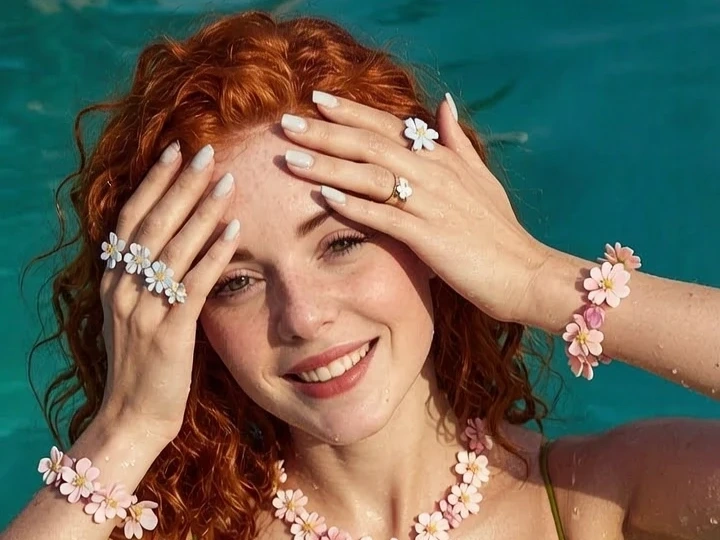
Describe a scene and Kivoai composes it, or upload a reference and let the model rework it while your structure stays intact. One canvas holds both text to image and image to image, so an idea and an existing frame can be developed side by side. Free to start when you need AI generated images with real control instead of one lucky render.
What is Kivoai's AI Photo Generator?
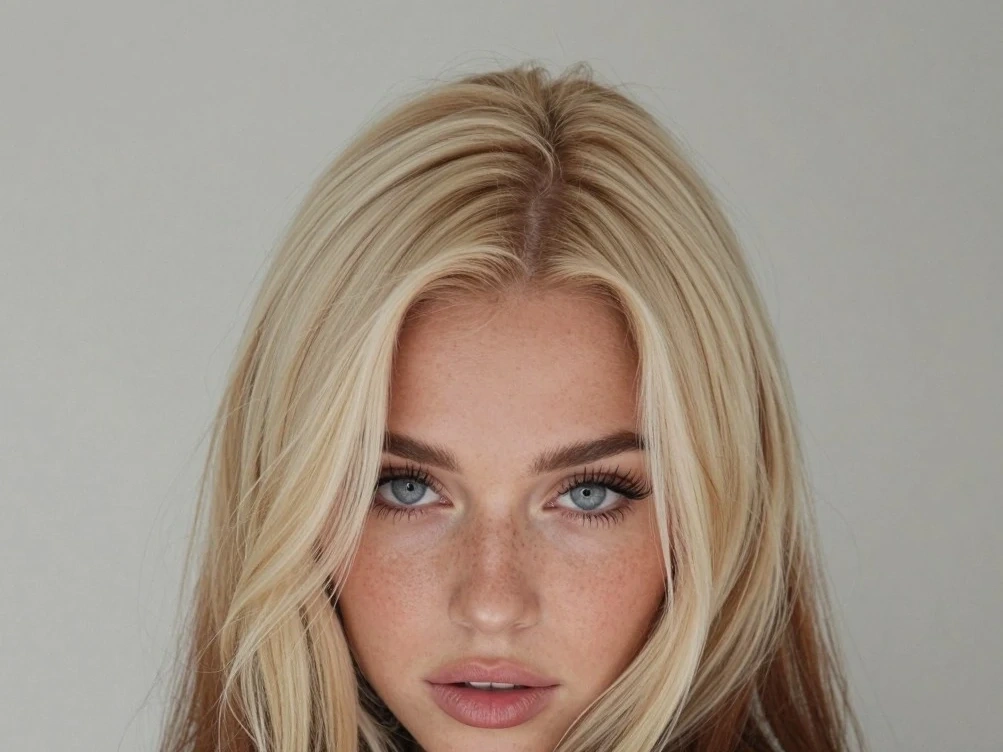
Kivoai's AI photo generator is a still-image studio with two entrances. Write a prompt and the text to image AI builds a composition from language; drop in a reference and the image to image path rebuilds that frame in a new style, material, or setting while structure-preserving reference strength decides how much of the original survives. Everything here resolves to a photograph or an illustration, not a clip, so the video pages remain the place for motion. Because both modes share one canvas, a prompt sketch can become the reference for the next round, and a seed can be locked so a character or product stays recognisable across an entire set. It is free to start, and the render is yours to refine.
How Does Kivoai's AI Photo Generator Work?
Step 1: Write a Prompt or Upload a Reference
Type the subject, setting, and light you want, or bring a photo, sketch, or previous render into the canvas. Choosing to create AI images from text or from an existing frame is the only decision you have to make first.
Step 2: Set Style, Ratio and Reference Strength
Pick a look, choose the aspect ratio your channel needs, and decide how closely the output should follow your upload. Low strength lets the AI image maker explore; high strength keeps composition and proportions almost exactly as supplied.
Step 3: Generate, Compare and Refine
Render a batch, compare variations against each other, then lock the seed of the one that works and iterate on details. Download at full resolution when the frame holds. Free to start while you find the direction.
What You Can Do with Kivoai's AI Photo Generator?
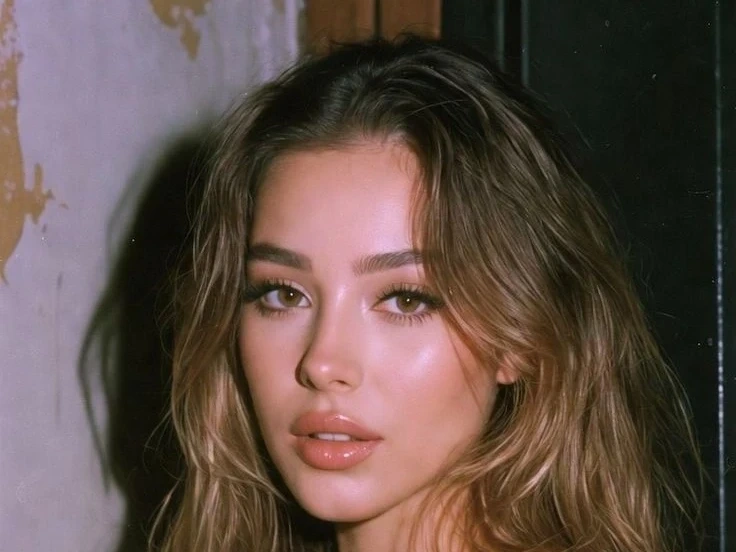
Compose a Campaign Key Visual from a Prompt
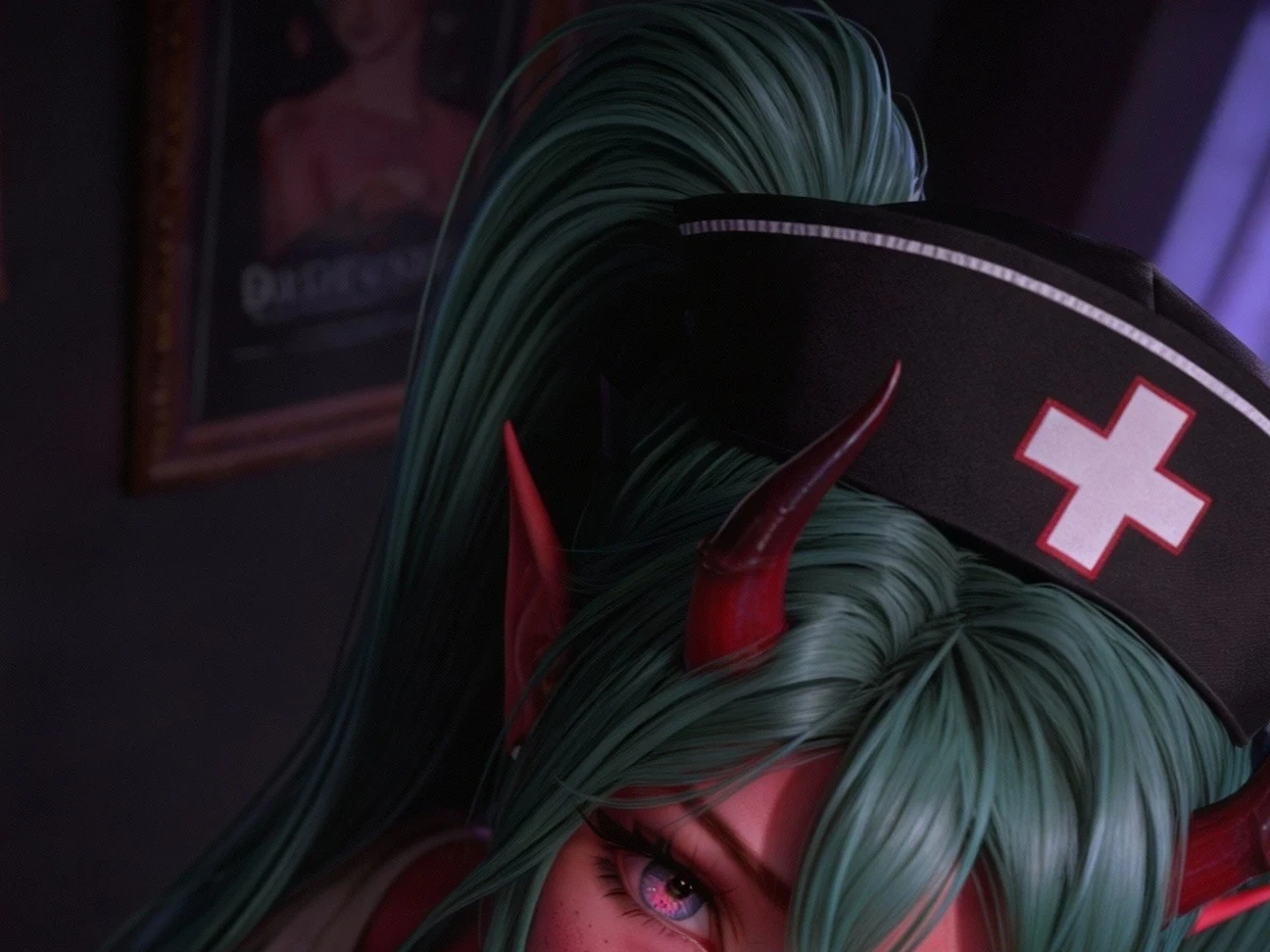
Campaign work usually starts long before a shoot or an illustrator can be booked. Describe the subject, the hour of day, and the mood, and the AI image generator from text composes a key visual instead of collaging stock. Prompt-to-composition parsing keeps the frame readable, so focal point, negative space, and horizon land roughly where an art director would place them. You leave with something pitchable, not a mood board.
Turn a Sketch or Grey Model into a Finished Render
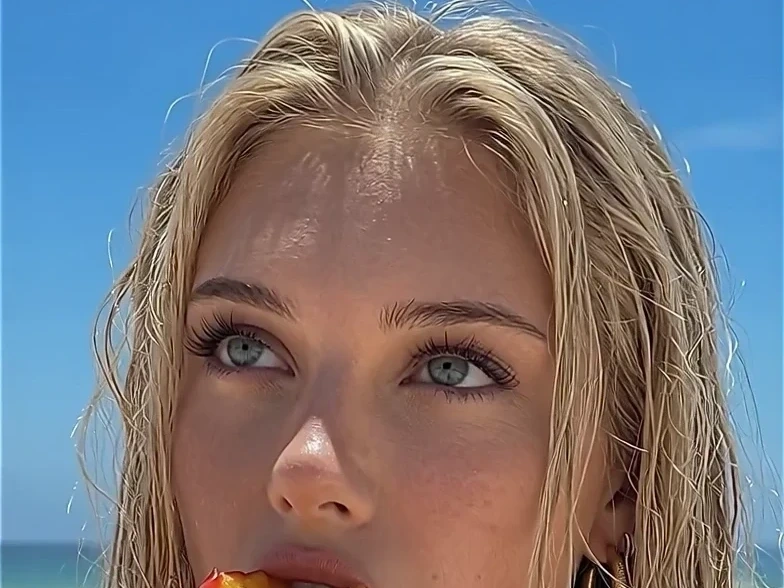
Designers and architects often sit on drawings a client cannot read. Upload a line sketch, a wireframe, or an untextured model and the image to image AI dresses it in believable material and light, while structure-preserving reference strength holds every edge where you drew it. Raise the strength for a faithful visualisation, lower it to explore a bolder direction. The concept stays yours; only the finish changes.
Restage a Product Photo for a New Season
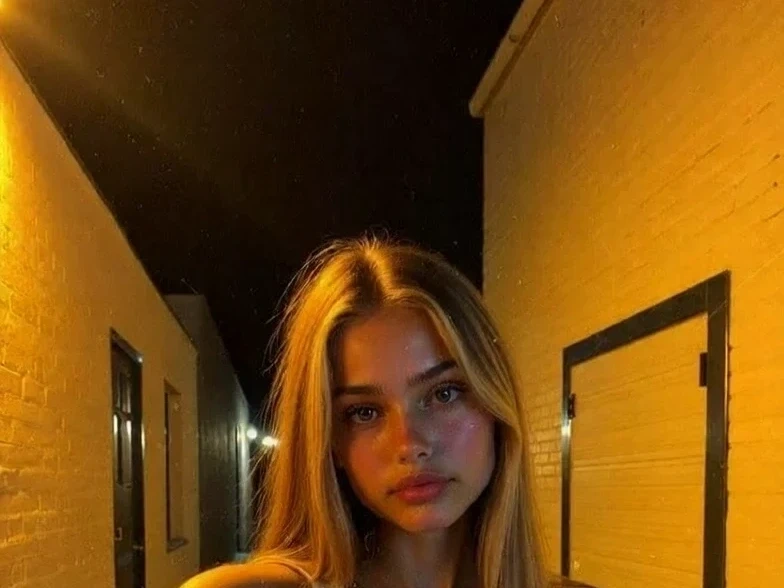
Every seasonal push asks for fresh sets around the same catalog. Upload the packshot and generate the surroundings around it, from a sunlit marble counter to a snow-dusted window ledge, while subject preservation protects the silhouette and label of the item you actually sell. Matched lighting keeps reflections consistent with the new set, so the result reads as a photograph rather than a cutout pasted onto a background.
Keep a Character or Face Consistent Across a Set
A mascot, an avatar, or a comic cast has to survive far more than one lucky frame. Lock a seed and a reference face, and Kivoai carries bone structure, wardrobe, and palette through a full run of poses, angles, and scenes. The same control turns your own photos into clean profile portraits and channel art, which is how small teams cover a headshot refresh without booking a studio.
Who is Kivoai's AI Photo Generator for?
Brand Designers and Campaign Teams
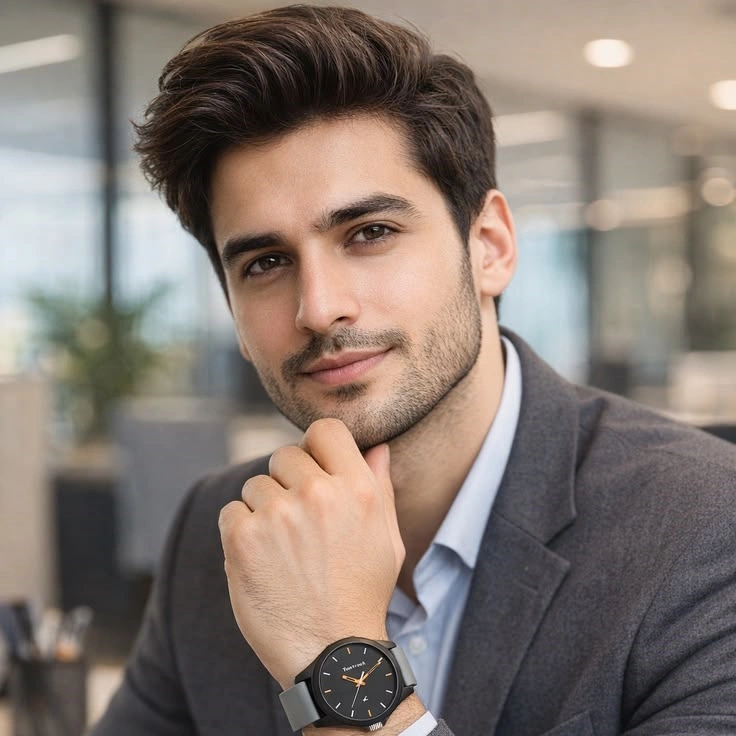
You are asked for a key visual on Monday and a full channel kit by Friday. Generating from a prompt covers the pitch, and feeding the approved frame back as a reference keeps every resize on the same art direction.
Concept Artists, Game Studios and Comic Creators
Exploration is cheap here and consistency is the real requirement. Seed control and reference uploads let an image AI generator hold a character through a sheet of poses instead of reinventing the face each render.
Creators, Bloggers and Small Business Owners
You can create AI images in the browser for a thumbnail, a menu, or a listing, without a design seat or a stock subscription. Free to start, and your drafts stay out of any public gallery while you experiment.
Why Choose Kivoai's AI Photo Generator?
Two Inputs, One Continuous Workflow
Most tools make you pick a lane and start over when the brief shifts. Here a prompt render can become the reference for the next pass, and an uploaded photo can be pushed back toward pure imagination by lowering its strength. Ideas and existing assets develop in the same canvas rather than in two disconnected tools.
Detail Where People Actually Look
A render fails at the hands, the eyes, the fabric seam, and the small type on a label, not in the sky. Kivoai spends its resolution budget on those regions, so faces hold their proportions and materials keep the grain that makes them believable. That is the difference between an image you can publish and one you have to explain.
A Look You Can Repeat, Kept Private
Seed and style settings can be saved and reused, so a campaign or a character sheet stays coherent across weeks of work. Prompts and uploads are processed for your session instead of being published to a shared feed. Free to start, and intended for original work or images you hold the rights to.